
ZD Screen Recorder
Screen Recording Made Smooth & Easy!
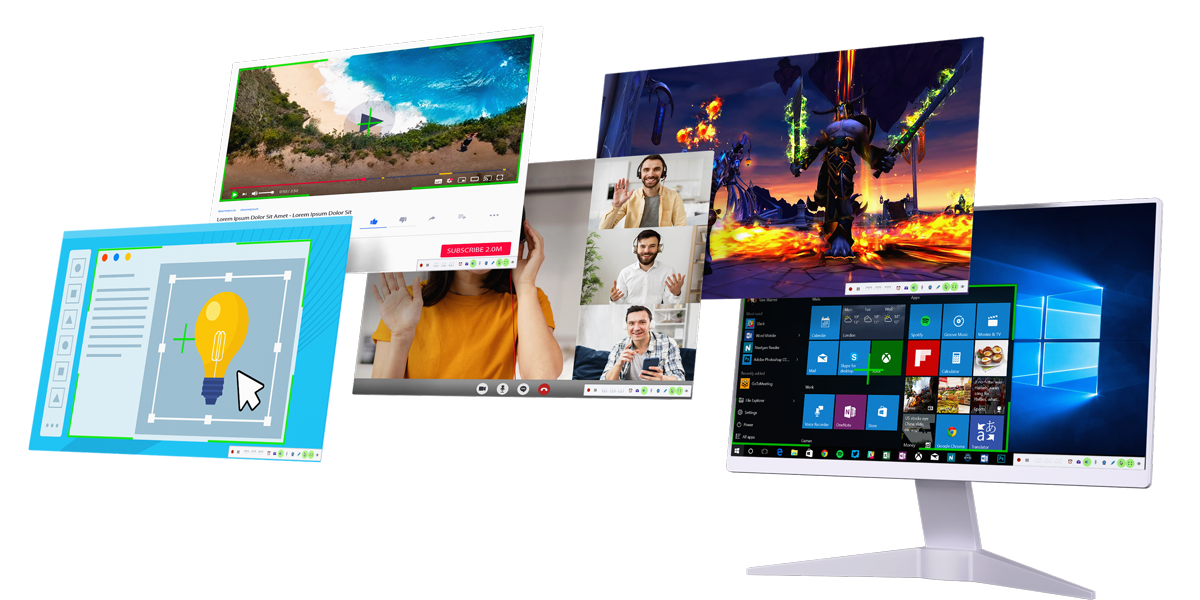
What Can You Do with ZD Screen Recorder?
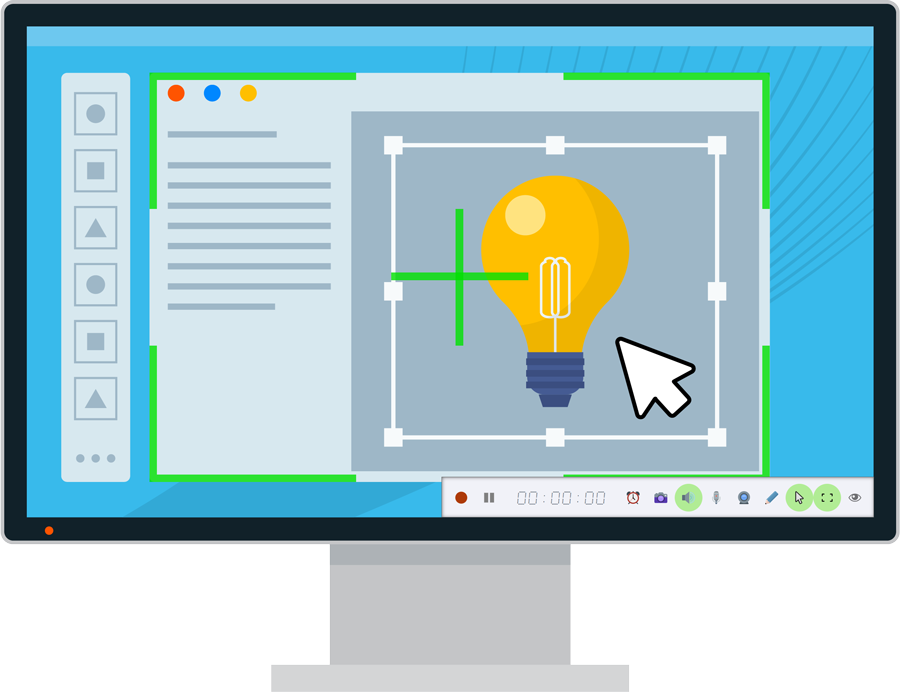
Create How-To Videos Easily in Minutes
Effortlessly demonstrate computer tasks by using ZD Screen Recorder to record your screen with annotations and narrations, then edit and share the video easily.
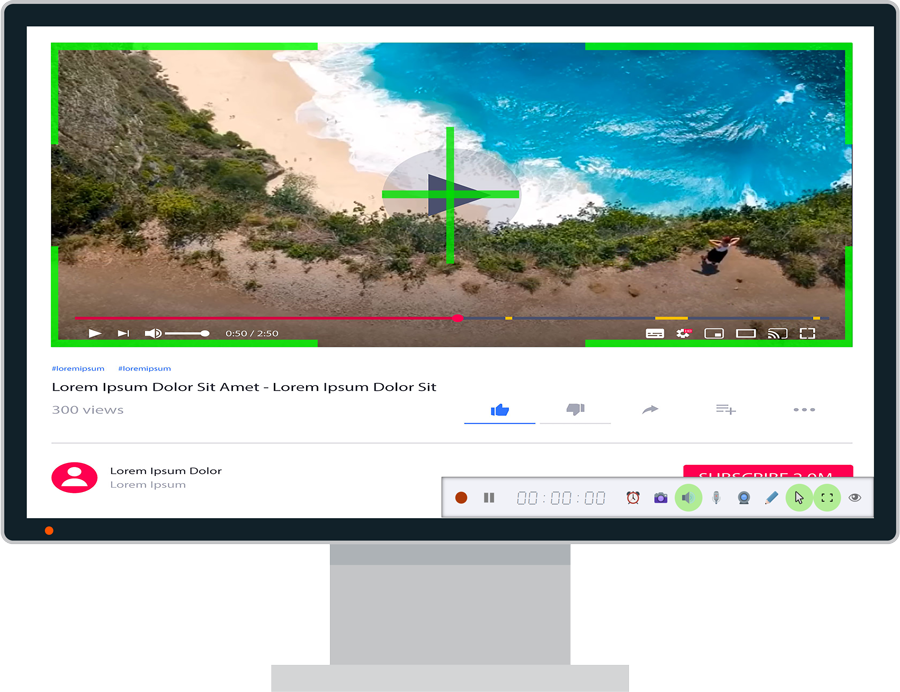
Capture Streaming Videos for Offline Viewing
Download any online video easily by capturing it directly to your hard disk with ZD Screen Recorder, a versatile software VCR solution.
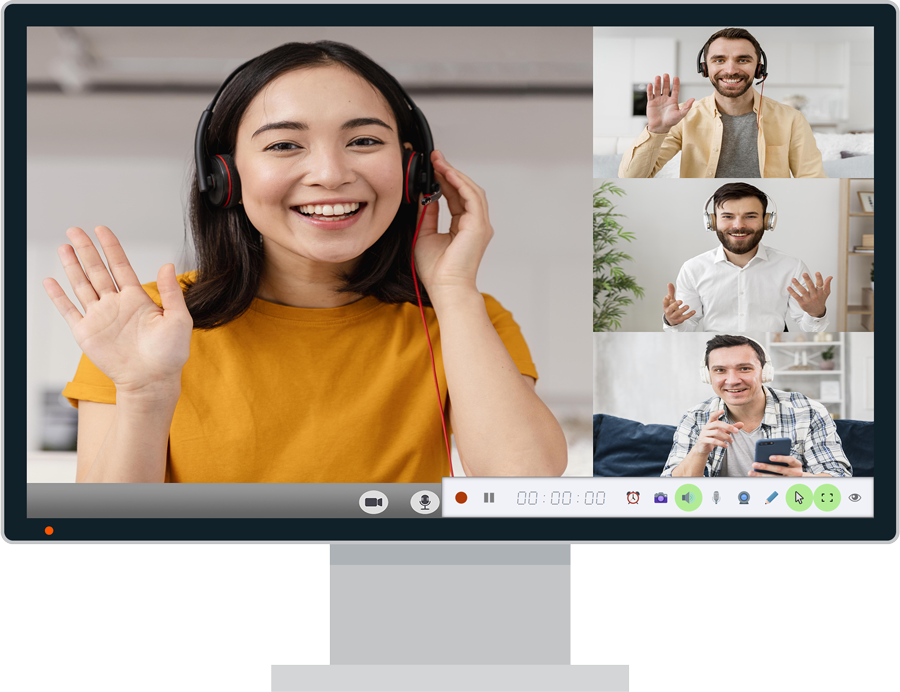
Record Online Classes for Anytime Review
Never miss a moment of online courses, lectures, webinars, or meetings by using ZD Screen Recorder to record them for anytime review on your hard disk.
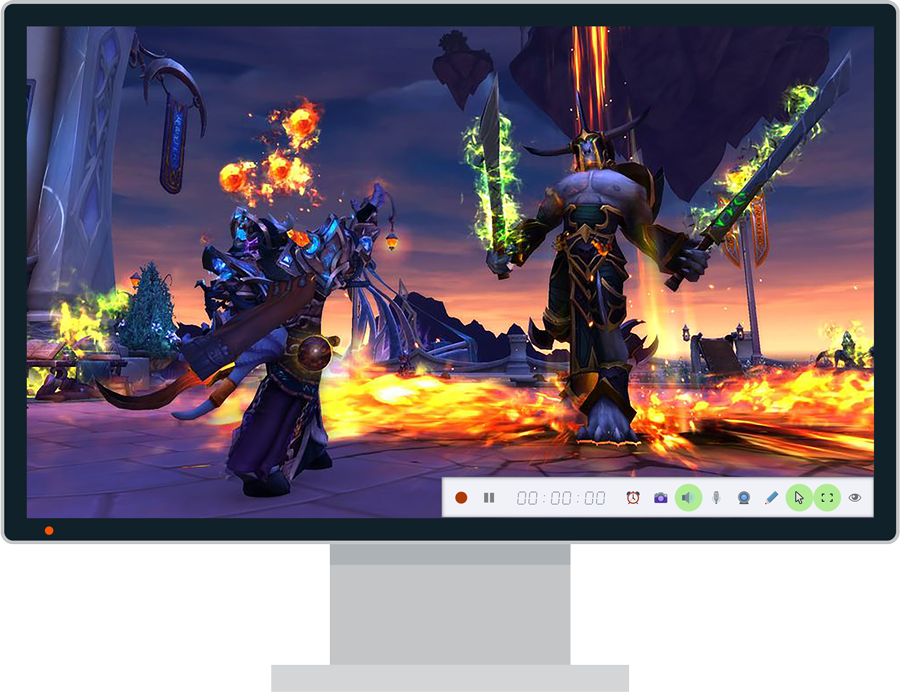
Capture Your Thrilling PC Gaming Moments
Share your stunning PC gameplay with ease using ZD Screen Recorder, which reliably captures DirectX/OpenGL games without the black screen issue.
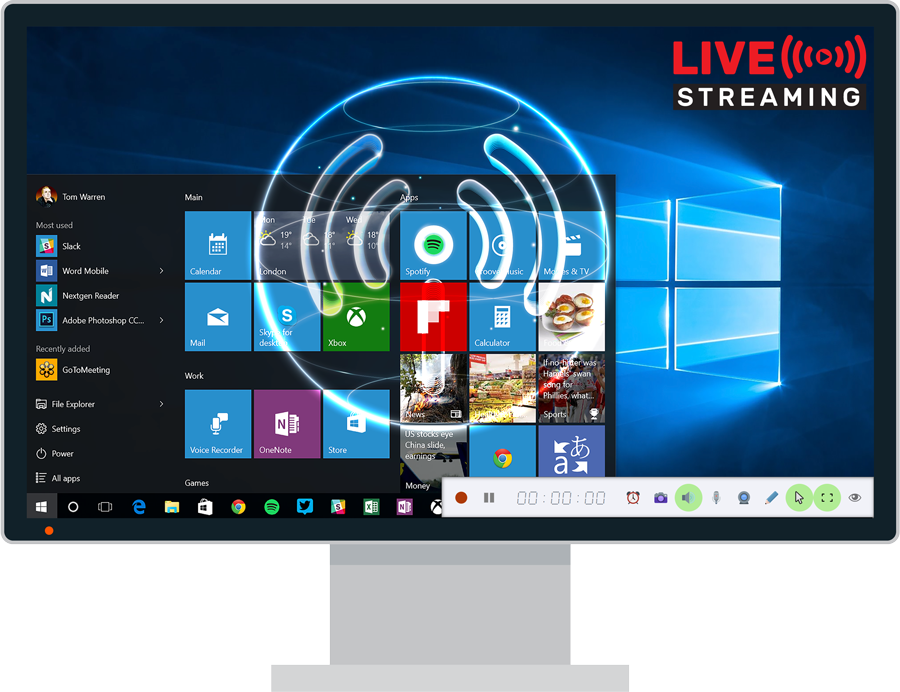
Live Stream Your Computer Screen to Video Platforms
Stream high-quality live gameplays and screencasts effortlessly to platforms like Twitch and YouTube with the lightweight, user-friendly ZD Screen Recorder.
ZD Screen Recorder Capabilities

Capture a Region
Capture a Window

Capture Full Screen

Capture Game Screen

Capture Webcam

Capture Speaker
Capture Headphone

Capture Microphone
Capture Line-in

Dynamic Zooming

Dynamic Region
GPU Acceleration

Mouse Cursor Effects

Watermark Logo

Live Streaming

Taking Screenshots

On -Screen Annotation

Scheduled Recording